Best Standing Desks 2026
The best standing desks move smoothly, stay stable at standing height, and fit your monitor, laptop, and workspace habits. In our comparison of five well-known desks, motor quality and frame stability matter more than desktop size alone. This guide compares height range, stability, and everyday usability.
As an Amazon Associate I earn from qualifying purchases. #ad

Key Takeaways
- Stability at standing height matters most; a wobbly desk ruins monitor work.
- A wide height range suits both shorter and taller users, including shared desks.
- Memory presets make switching between sitting and standing a one-touch habit.
- Check desktop depth for monitor arms, laptops, and writing space together.
Top 3 Picks
- Best overall standing desk: FlexiSpot E7 Pro — a stable, smooth electric desk with a wide height range.
- Best premium desk: Uplift V2 — a highly configurable desk with strong stability and accessory options.
- Best value electric desk: FlexiSpot E5 — electric height adjustment at a friendlier price.
1. FlexiSpot E7 Pro
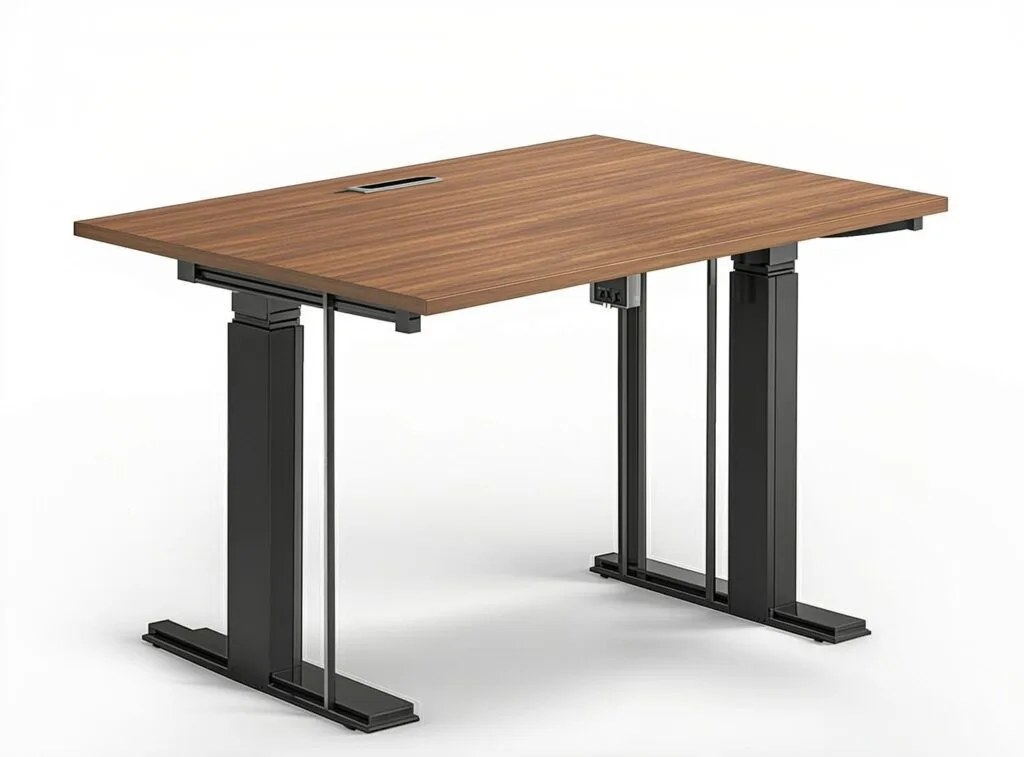
FlexiSpot E7 Pro
In our comparison, the FlexiSpot E7 Pro is the strongest all-round standing desk here. Its dual-motor frame lifts smoothly and stays stable at standing height, even with a…
In our comparison, the FlexiSpot E7 Pro is the strongest all-round standing desk here. Its dual-motor frame lifts smoothly and stays stable at standing height, even with a monitor arm and laptop on top, and the wide height range suits a broad mix of users.
Memory presets make sit-stand switching easy, and the frame accepts a range of desktop sizes. Assembly takes time and a second pair of hands helps, but the result is a desk that feels solid rather than improvised.
Pros:
- Stable at standing height under load
- Smooth dual-motor height adjustment
- Wide height range for many users
- Memory presets for sit-stand switching
- Works with many desktop sizes
Cons:
- Assembly takes time and care
- Heavier frame to move once built
- Desktop sometimes sold separately
- Cable management needs extra accessories
- Premium price for the full setup
2. Uplift V2
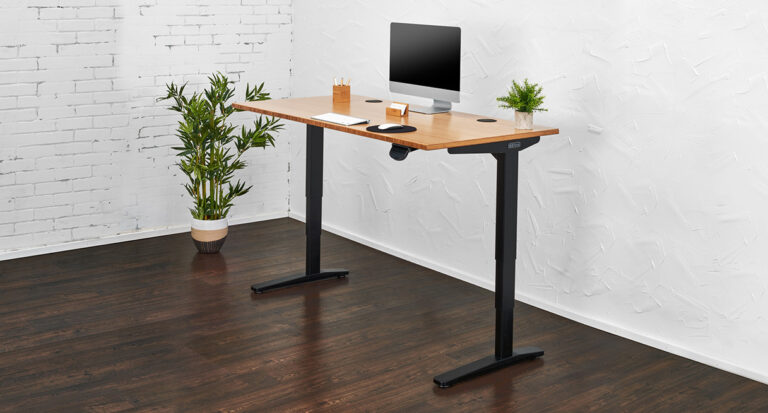
In our comparison, the Uplift V2 is the premium pick for people who want their desk exactly right. It offers a wide choice of desktop materials, sizes, and accessories, with a stable frame and smooth electric adjustment that holds up under heavier multi-monitor setups.
The configurability is both its strength and its cost: the more you add, the higher the price climbs. For a straightforward desk, the FlexiSpot picks offer better value, but for a tailored workstation the Uplift is hard to beat.
Pros:
- Highly configurable desktops and accessories
- Stable frame under heavy setups
- Smooth electric height adjustment
- Wide height range
- Strong warranty and support reputation
Cons:
- Price climbs quickly with options
- Many choices can overwhelm first buyers
- Assembly takes time
- Accessories add further cost
- Delivery in multiple boxes to assemble
3. Vari Electric Standing Desk
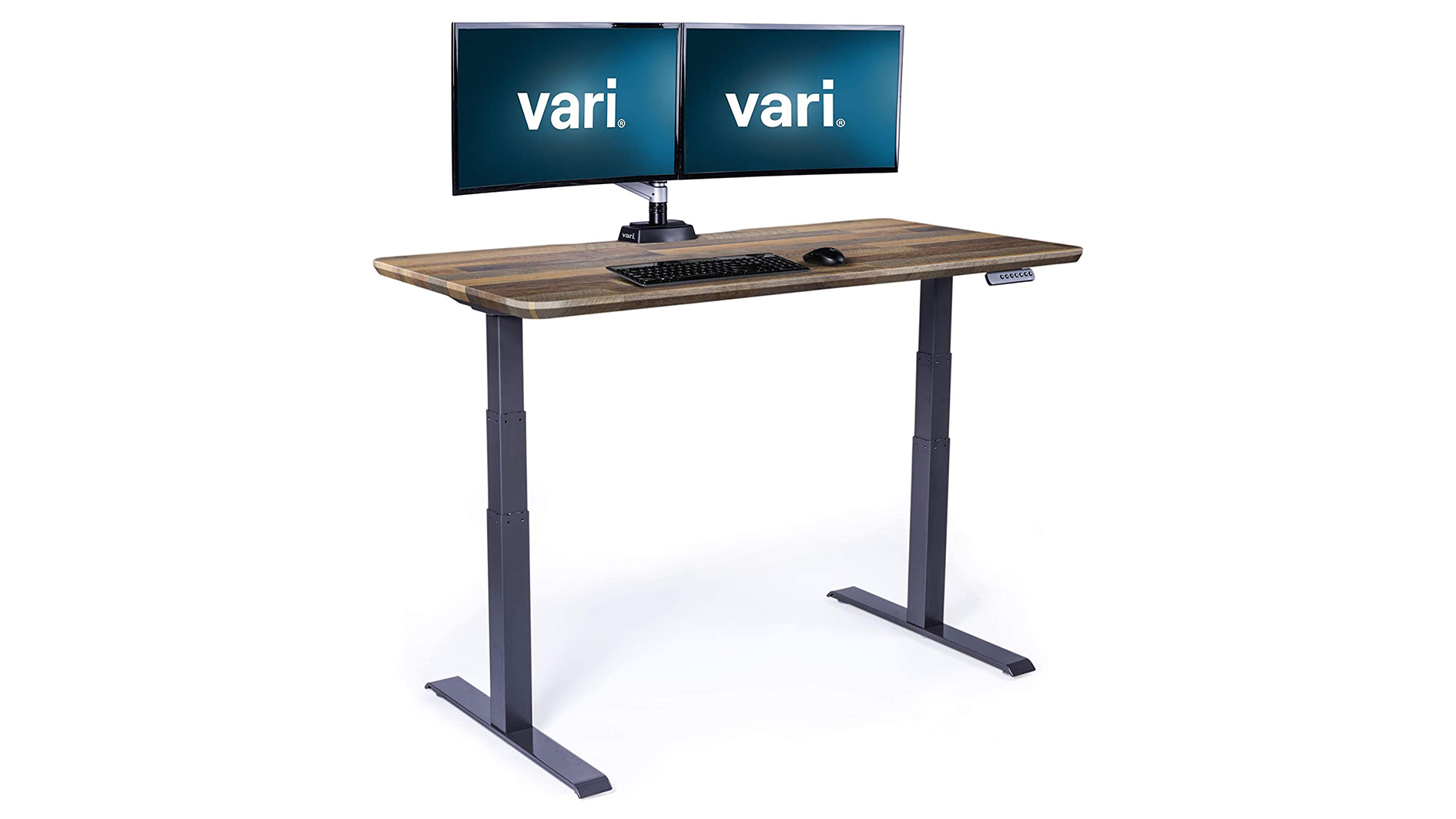
In our comparison, the Vari Electric Standing Desk is the office-friendly pick. It arrives with a straightforward setup, a sturdy frame, and a clean desktop, and its smooth motor suits shared workspaces where different people use the same desk.
The design is practical rather than flashy, with useful cable management and a stable feel at working heights. Customisation options are narrower than Uplift, but buyers who want a dependable desk without endless choices will appreciate that.
Pros:
- Straightforward setup for offices
- Sturdy, stable frame
- Smooth electric adjustment
- Practical cable management
- Clean, professional look
Cons:
- Fewer desktop customisation options
- Premium price for a basic configuration
- Heavier to reposition once assembled
- Accessory range smaller than Uplift
- Memory presets vary by controller version
4. FlexiSpot E5
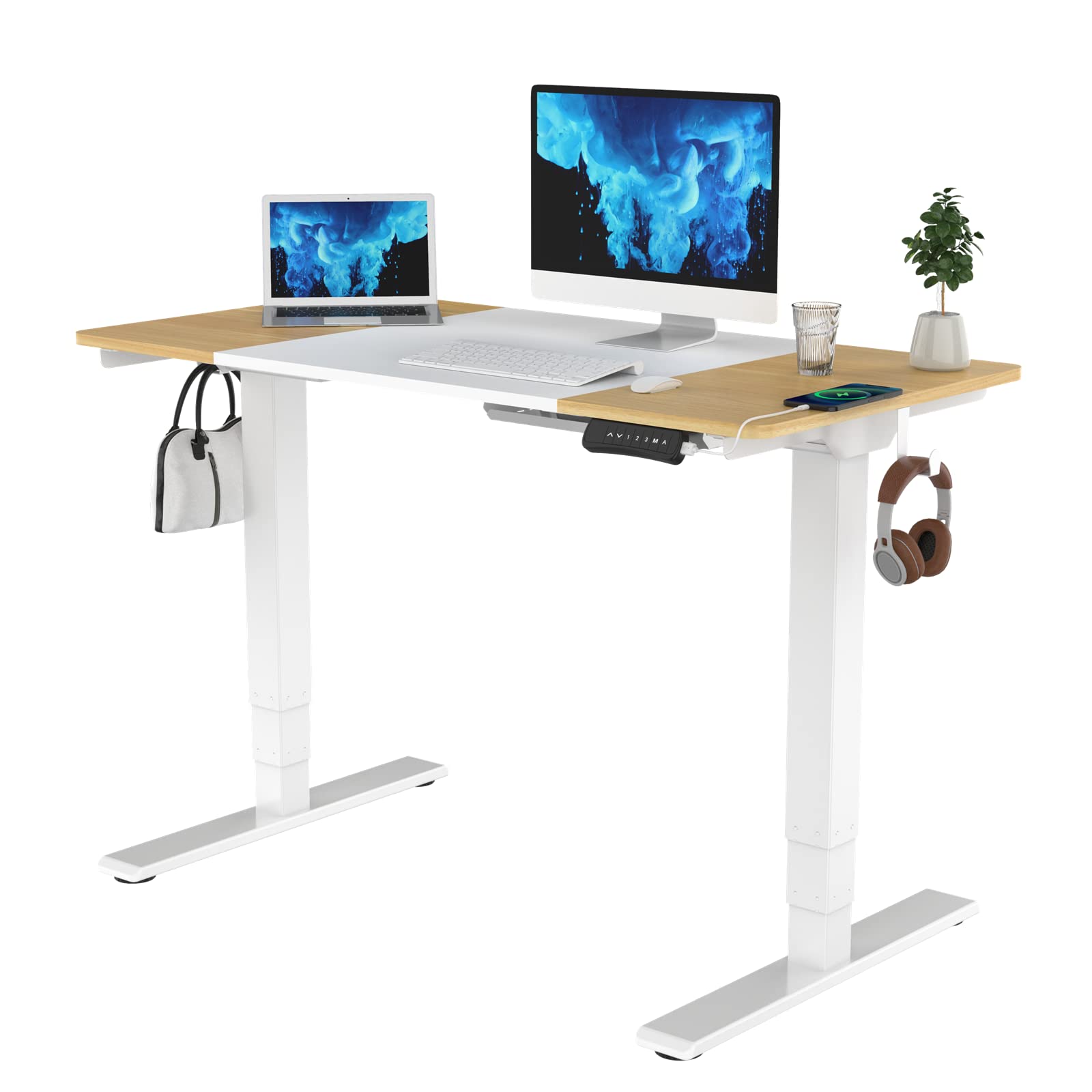
In our comparison, the FlexiSpot E5 is the value electric desk. It brings motorised height adjustment and memory presets to a lower price, with enough stability for a single or dual monitor setup at normal working heights.
Stability at maximum height trails the E7 Pro, and the frame suits lighter loads best, so very heavy multi-monitor rigs should step up. For a first standing desk in a home office, though, it covers the essentials well.
Pros:
- Electric adjustment at a friendly price
- Memory presets included
- Good stability for typical setups
- Compact frame for home offices
- Easy height controls
Cons:
- Less stable than the E7 Pro at full height
- Best for lighter monitor setups
- Desktop options more limited
- Assembly still takes care
- Cable tray often an extra purchase
5. FEZIBO Electric Standing Desk
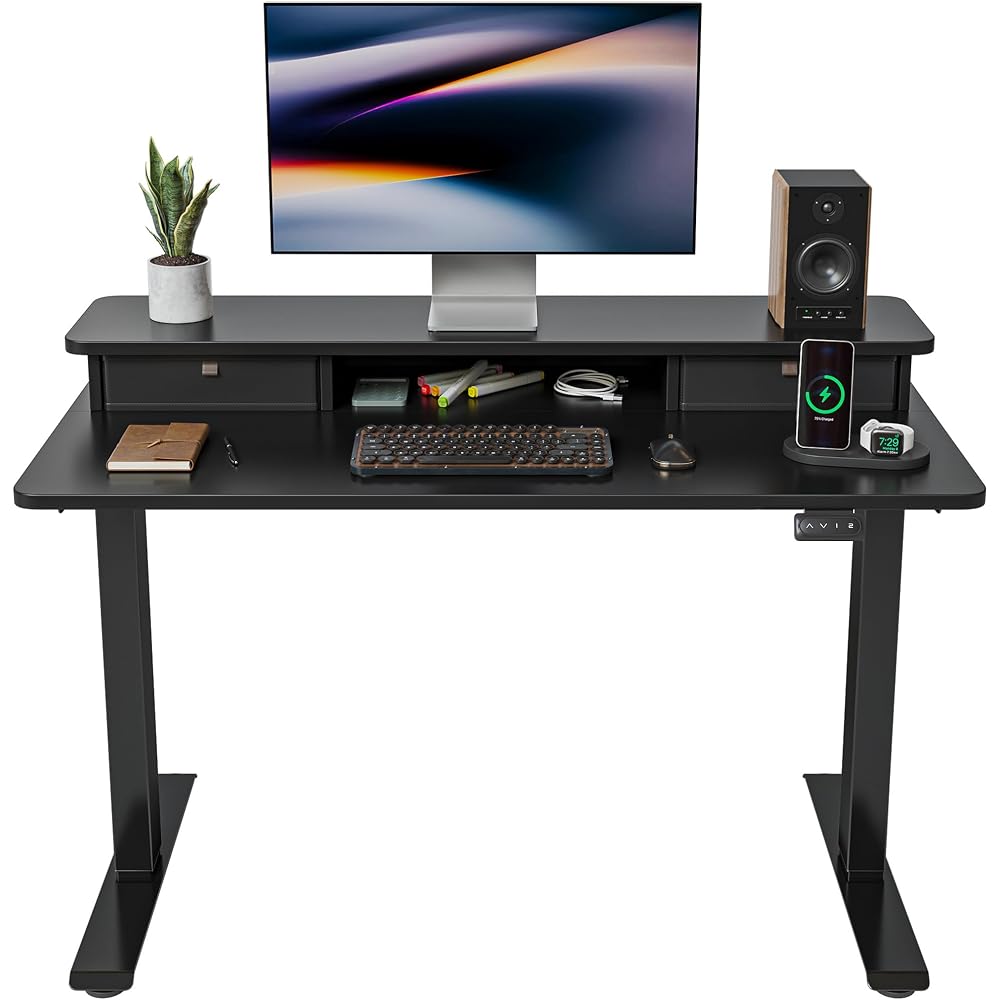
In our comparison, the FEZIBO Electric Standing Desk is the budget pick with a practical bonus: many versions include a drawer or storage shelf, which helps smaller rooms where desk accessories need a home. Electric adjustment and memory presets cover the core sit-stand experience.
Build quality and stability sit below the premium picks, especially under heavier loads or at full height, so it suits single-monitor setups best. For a first standing desk on a tight budget, it is a sensible starting point.
Pros:
- Budget-friendly electric adjustment
- Useful drawer or shelf on many versions
- Memory presets for sit-stand use
- Compact for smaller rooms
- Simple controls
Cons:
- Stability trails premium desks at full height
- Best for lighter single-monitor setups
- Build feels less premium
- Desktop size options limited
- Long-term durability less proven
Comparison Table
| Product | Adjustment | Standout feature | Best for |
|---|---|---|---|
| FlexiSpot E7 Pro | Electric dual-motor | Stability under load | All-round home offices |
| Uplift V2 | Electric | Deep customisation | Tailored workstations |
| Vari Electric Standing Desk | Electric | Office-friendly setup | Shared workspaces |
| FlexiSpot E5 | Electric | Value motorised adjustment | First standing desks |
| FEZIBO Electric Standing Desk | Electric | Budget price plus storage | Small rooms on a budget |
How to Choose
Prioritise stability. A desk that wobbles at standing height will distract you from monitor work, so favour sturdy frames and cross-bracing over the cheapest option.
Check the height range against your body and chair. The desk should let you type with elbows near a right angle, both sitting and standing.
Use memory presets. One-touch switching turns standing into a habit; manual cranks and fiddly controls quietly discourage it.
Plan cable management from the start. A tray or spine keeps monitor, laptop, and charger cables tidy as the desk moves up and down.
FAQs
How long should I stand at a standing desk?
Most guidance suggests alternating, such as standing for part of each hour rather than all day. Listen to your body and build up gradually.
Do standing desks help back pain?
They can help by encouraging movement and posture changes, but they are not a medical treatment. Persistent pain deserves professional advice.
What size desktop do I need?
A depth that fits a monitor arm plus keyboard space, and a width that holds your monitors without crowding, is the practical minimum. Measure your gear before ordering.
Are dual motors better than single motors?
Dual motors usually lift more smoothly and handle heavier loads, which matters for multi-monitor setups. Single motors suit lighter desks.
Can I add a monitor arm to a standing desk?
Yes, most standing desks accept clamp monitor arms, but check desktop thickness and edge overhang, and keep total weight within the frame’s comfort zone.
Conclusion
Pick the FlexiSpot E7 Pro for the best balance of stability and smooth adjustment, the Uplift V2 if you want a fully tailored workstation, and the Vari Electric for a dependable office desk. The FlexiSpot E5 is the value electric pick, while the FEZIBO desk suits smaller rooms and tighter budgets.


