Best Monitor Arms 2026
The best monitor arms lift your screen off the desk, free up workspace, and let you set the height and angle that suits your posture. In our comparison of five popular arms, the differences come down to weight support, adjustability, and desk mounting. This guide compares them on stability, range of movement, and ease of setup.
As an Amazon Associate I earn from qualifying purchases. #ad

Key Takeaways
- Check your monitor’s weight and VESA pattern before ordering any arm.
- Gas-spring arms adjust smoothly; fixed pole arms are simpler and cheaper.
- Desk clamp mounts need a sturdy desk edge; grommet mounts need a suitable hole.
- A good arm should hold its position without drifting or sagging.
- Cable routing keeps the desk tidy and protects cables from pinching.
Top 3 Picks
- Best overall: Ergotron LX Desk Mount — smooth, stable adjustment for most monitors.
- Best value: Amazon Basics Premium Single Monitor Stand — LX-style design at a lower cost.
- Best dual setup: HUANUO Dual Monitor Stand — two screens on one mount.
1. Ergotron LX Desk Mount Monitor Arm
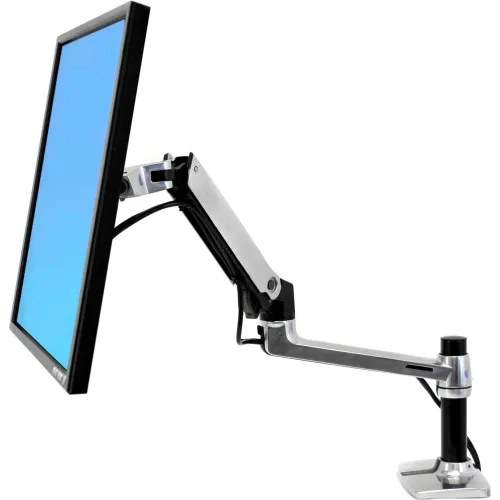
Ergotron LX Desk Mount Monitor Arm
In our comparison, the Ergotron LX is the benchmark single-monitor arm. Its gas-spring design lets you move the screen up, down, and sideways with a light touch, and it holds…
In our comparison, the Ergotron LX is the benchmark single-monitor arm. Its gas-spring design lets you move the screen up, down, and sideways with a light touch, and it holds position firmly once set. The build is solid and durable, and the arm supports monitors up to 25 pounds, which covers most standard and large office displays.
The LX costs more than budget arms, and it needs a sturdy desk edge for the clamp or a suitable grommet hole. Very heavy or ultrawide monitors may exceed its limit, in which case the HX below is the better Ergotron pick. For a single monitor that you adjust often, it is the arm to beat.
Pros:
- Smooth gas-spring height adjustment
- Holds position firmly without drifting
- Solid, durable build quality
- Supports monitors up to 25 pounds
- Clean cable routing along the arm
Cons:
- Costs more than budget arms
- Needs a sturdy desk edge or grommet hole
- Not suited to very heavy ultrawides
- Setup takes care to tension correctly
- Clamp may not suit glass desks
2. Amazon Basics Premium Single Monitor Stand
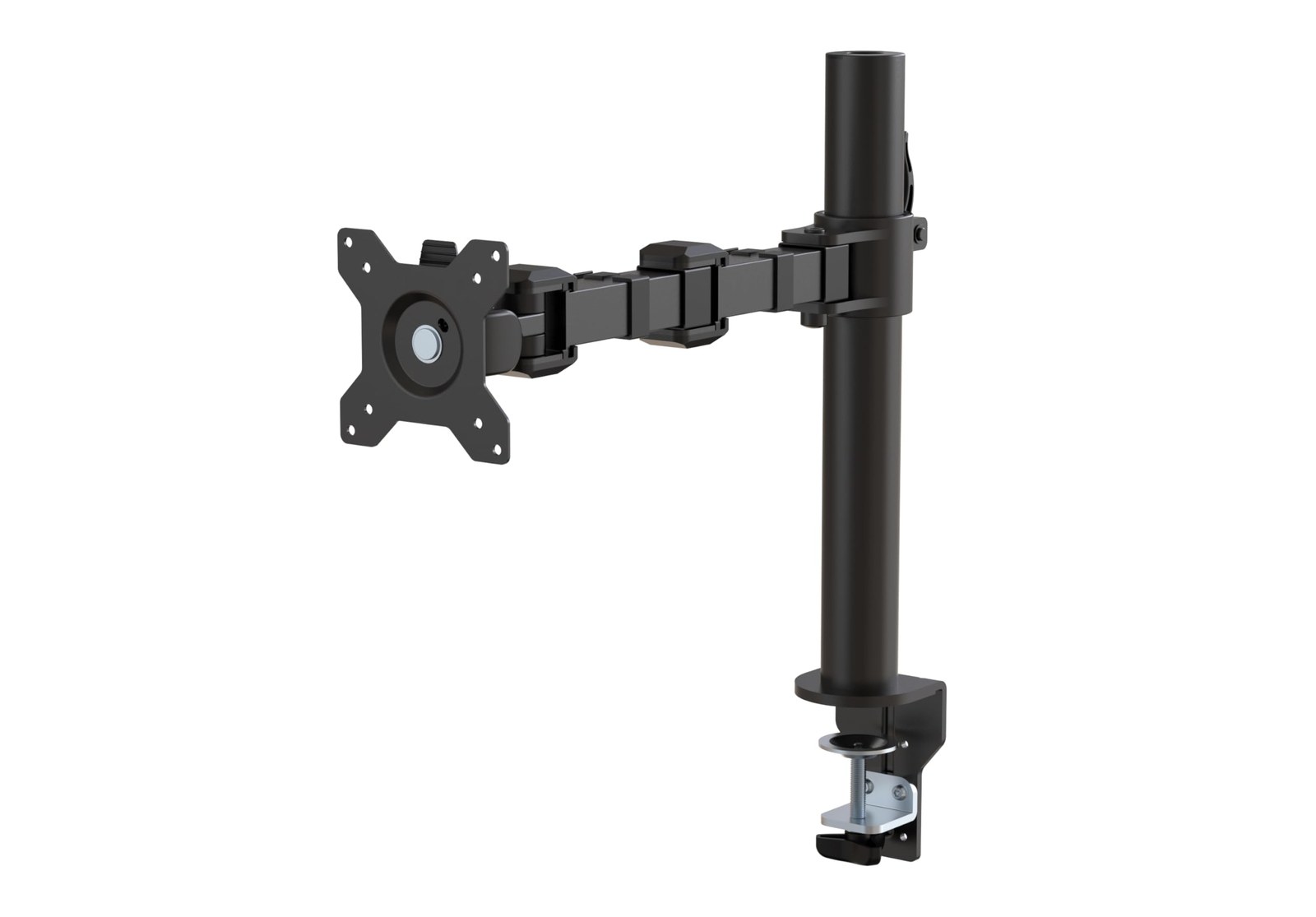
In our comparison, the Amazon Basics Premium arm is the value route to Ergotron-style quality. It shares the LX design approach, with smooth gas-spring adjustment, sturdy construction, and support for monitors up to 25 pounds. The desk clamp and cable management are straightforward, and the arm folds back neatly when not in use.
The finish and packaging are plainer than Ergotron’s own, and support runs through Amazon Basics rather than Ergotron. The weight limit matches the LX, so the same ultrawide caveat applies. Buyers who want LX movement without the LX price will find it a smart buy.
Pros:
- Smooth gas-spring adjustment like the LX
- Sturdy build for daily use
- Supports monitors up to 25 pounds
- Lower cost than the Ergotron original
- Neat cable management and fold-back
Cons:
- Plainer finish and packaging
- Support through Amazon Basics, not Ergotron
- Same 25-pound limit as the LX
- Needs a sturdy desk edge
- Fewer colour options than premium rivals
3. HUANUO Dual Monitor Stand
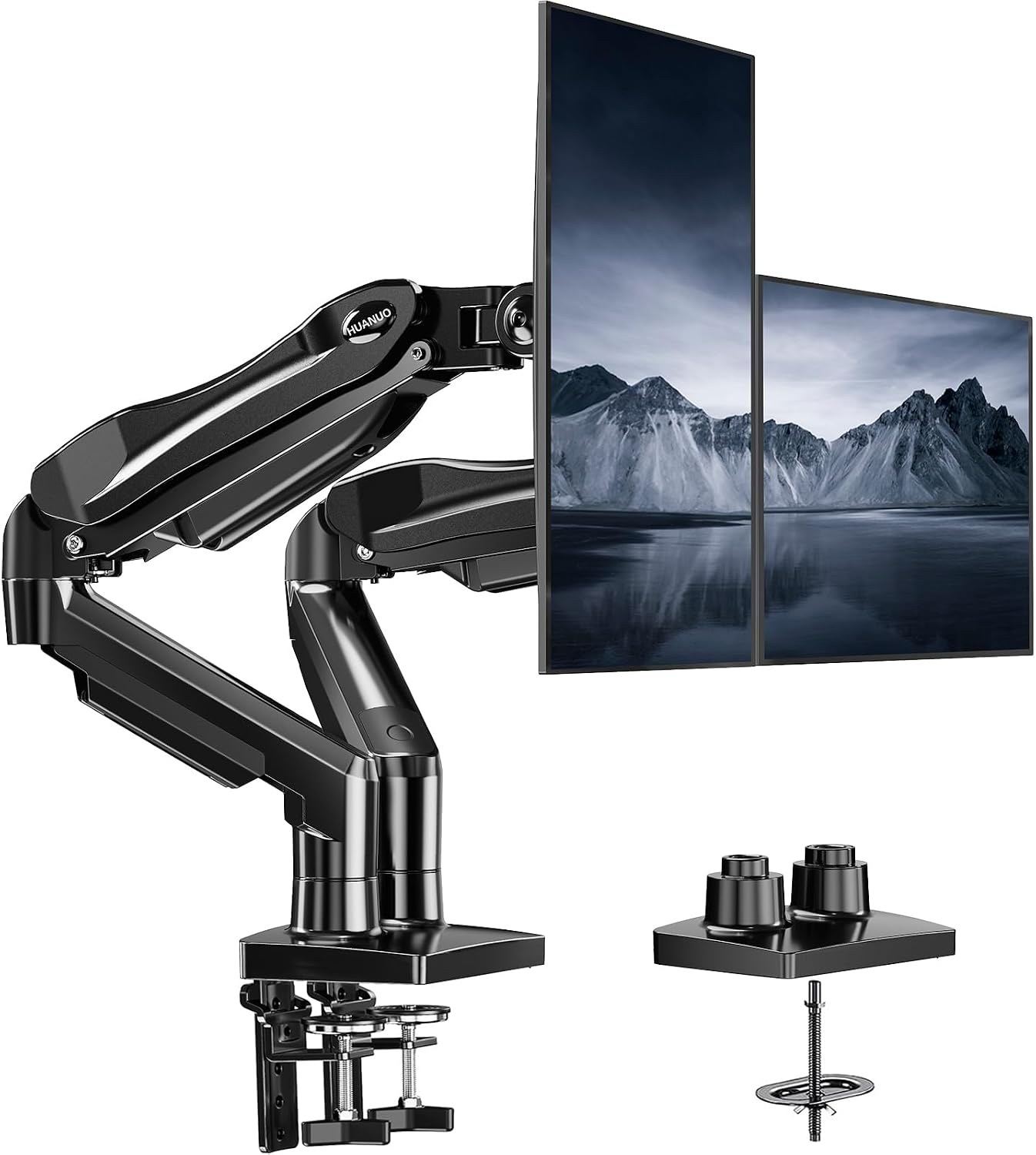
In our comparison, the HUANUO dual stand is the practical pick for two screens. It holds a pair of monitors on one base or clamp, with height and tilt adjustment per screen, so you can align two displays side by side without two separate arms. The design suits home offices where a second screen boosts productivity.
Weight and size limits vary by exact model, so check the listing for your monitors’ weight and VESA pattern before ordering. Alignment takes patience, and the shared base needs a stable desk. For a two-screen setup on a budget, it is a strong, simple solution.
Pros:
- Holds two monitors on one mount
- Per-screen height and tilt adjustment
- Good value for dual-screen setups
- Frees desk space under both screens
- Simple, practical design
Cons:
- Weight limits vary by exact model
- Alignment takes patience to set up
- Needs a stable, sturdy desk
- Less smooth than gas-spring singles
- Bulkier footprint than a single arm
4. VIVO Single Monitor Desk Mount
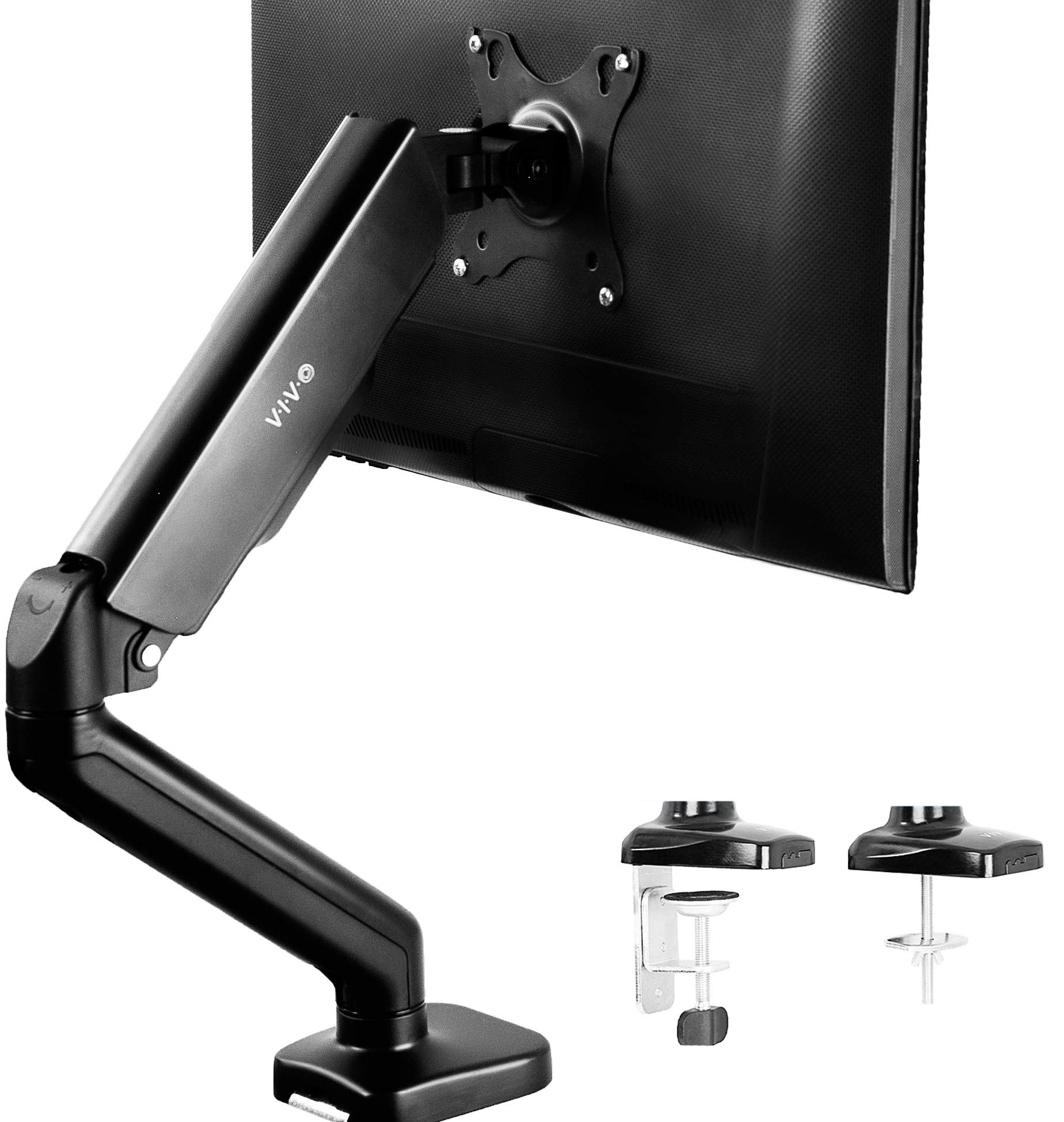
In our comparison, the VIVO single mount is the budget-friendly adjustable arm. It offers height, tilt, swivel, and rotation on a clamp base, with a straightforward build that suits standard office monitors. The arm folds back against the desk edge, and cable clips keep wires tidy.
Adjustment is stiffer than gas-spring arms, and weight limits vary by exact model, so heavier monitors need a careful check. The build is functional rather than premium. Buyers who want an affordable, adjustable arm for a standard monitor will find it does the job well.
Pros:
- Budget-friendly adjustable arm
- Height, tilt, swivel, and rotation
- Clamp base frees desk space
- Cable clips included
- Folds back neatly
Cons:
- Stiffer adjustment than gas-spring arms
- Weight limits vary by exact model
- Functional rather than premium build
- Needs a sturdy desk edge
- Less smooth for frequent repositioning
5. Ergotron HX Desk Monitor Arm
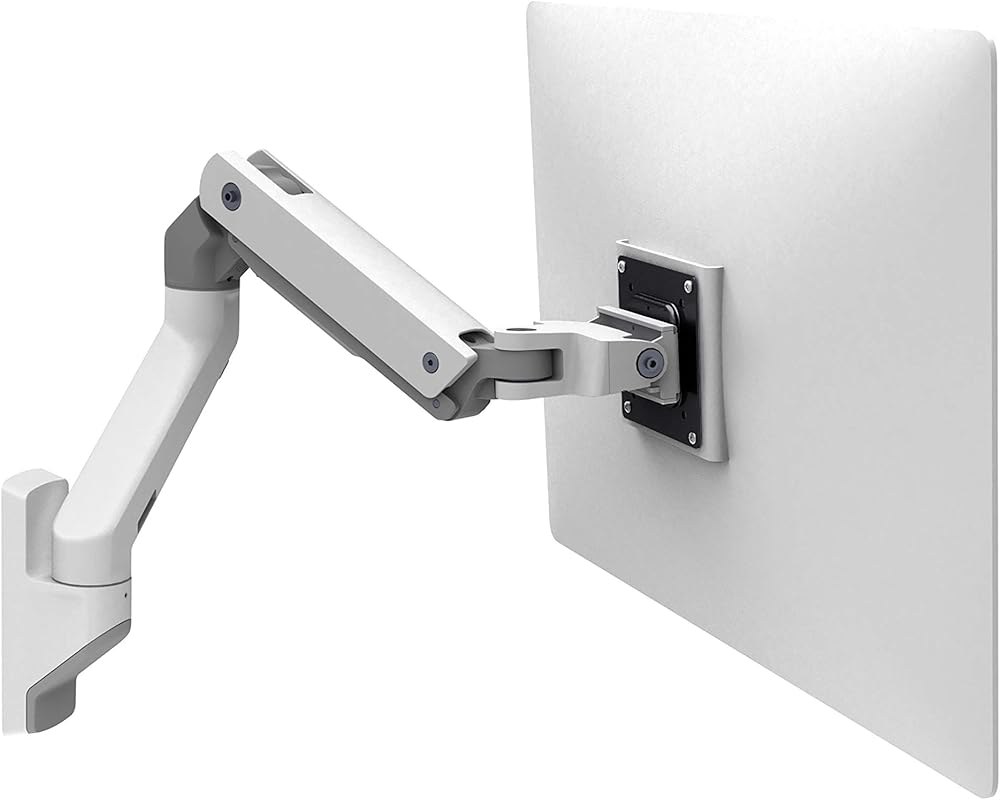
In our comparison, the Ergotron HX is the heavy-monitor arm. It is built for large and ultrawide displays that exceed the LX limit, with a stronger gas-spring mechanism and a heavy-duty pivot that holds big screens steady. The range of movement matches the LX, so large screens still tilt, pan, and rotate smoothly.
The HX is larger, heavier, and more expensive than the LX, and it is overkill for standard monitors. It also needs a very sturdy desk and careful tension setup. Buyers with a large ultrawide or heavy display who want smooth adjustment should choose it over the LX.
Pros:
- Built for large, heavy monitors
- Strong gas-spring holds big screens steady
- Full tilt, pan, and rotation range
- Premium, durable construction
- Smooth movement for large displays
Cons:
- Larger, heavier, and more expensive than LX
- Overkill for standard monitors
- Needs a very sturdy desk
- Careful tension setup required
- Clamp needs a suitable desk edge
Comparison Table
| Product | Screens | Weight support | Adjustment | Best for |
|---|---|---|---|---|
| Ergotron LX | Single | Up to 25 pounds | Gas spring | Most single monitors |
| Amazon Basics Premium | Single | Up to 25 pounds | Gas spring | Value single arm |
| HUANUO Dual | Dual | Varies by model | Height and tilt | Two-screen setups |
| VIVO Single | Single | Varies by model | Height, tilt, swivel | Budget single arm |
| Ergotron HX | Single | Heavy monitors | Gas spring | Large ultrawides |
How to Choose
Start with weight and VESA. Weigh your monitor with its stand removed if needed, and check the VESA hole pattern on the back. An arm rated below your monitor’s weight will sag or drift, so leave headroom rather than buying exactly at the limit.
Next, choose the mount. Desk clamps suit most solid desks but need a sturdy edge of the right thickness, while grommet mounts need a suitable hole. Glass desks and very thin tops often need a different solution, so check the maker’s guidance.
Finally, think about movement. Gas-spring arms suit people who adjust height often or share a desk, while fixed pole arms suit a set-and-forget setup. Route cables loosely through the arm’s clips so they do not pinch when the arm moves.
FAQs
Will a monitor arm fit my monitor?
Check two things: the weight, including any attached accessories, and the VESA hole pattern on the back. If both are within the arm’s rating, the arm should fit; adapters exist for non-VESA monitors.
Can a monitor arm damage my desk?
A clamp can mark soft or thin desks, and glass desks need special care. Use a sturdy desk edge, check the thickness range, and consider a protective pad or grommet mount if your desk is delicate.
Do monitor arms help posture?
They can: an arm lets you set the screen at eye level and at a comfortable distance, which supports a neutral neck position. Pair it with a good chair and regular breaks for the best effect.
Are gas-spring arms worth the extra cost?
If you adjust height often, share a desk, or switch between sitting and standing, yes: gas springs move smoothly with one hand. For a fixed setup, a simpler pole arm saves money.
Can I mount two monitors on one arm?
Yes, with a dual arm or a dual mount, provided both monitors are within the weight and size limits. Aligning two screens takes patience, so allow time for setup.
Conclusion
Pick the Ergotron LX for smooth single-monitor adjustment, the Amazon Basics Premium arm for the same feel at a lower cost, and the HUANUO dual stand for two screens. VIVO’s single mount covers budget setups, while the Ergotron HX handles heavy ultrawides. Check weight and VESA first, then choose the mount your desk can hold.


