
Best Smart Home Starter Kits 2026
The best smart home starter kits have no single winner: the right first kit is the one that matches the first job you want to solve. Start with Hue for lighting, Caseta for switches, Ring for security, Nest Hub for one-screen control, or the Aqara Hub M2 for sensor automation.
Starting a smart home is easier when the first box you buy already works as a system. In our comparison, we looked for kits that set up without rewiring, play nicely with the voice assistant you already use, and leave room to add more devices later. The five kits below cover the most common starting points: lights, a light switch, home security, a smart display, and a hub that ties smaller sensors together. Pick the one that matches the problem you want to solve first, then build from there.
Key Takeaways
- Pick by the first job: lights, a light switch, home security, a smart display, or a hub that ties smaller sensors together — then build from there.
- Smart lighting: the Philips Hue Starter Kit — four color-changing bulbs and the Hue Bridge, with scenes for relaxing, reading, and movie nights.
- Smart switches: the Lutron Caseta Kit — a dimmer, a Pico remote, and the Smart Bridge, working without a neutral wire in most homes.
- Home security: the Ring Alarm 5-Piece Kit — a base station, keypad, contact sensor, motion detector, and range extender, with wireless sensors that suit renters.
- One-screen control: the Google Nest Hub (2nd Gen) — weather, calendar, and camera feeds, plus sleep sensing without a camera in the bedroom.
- Sensor automation: the Aqara Hub M2 — up to 128 Zigbee devices, an infrared blaster for older TVs and air conditioners, and an Ethernet port.
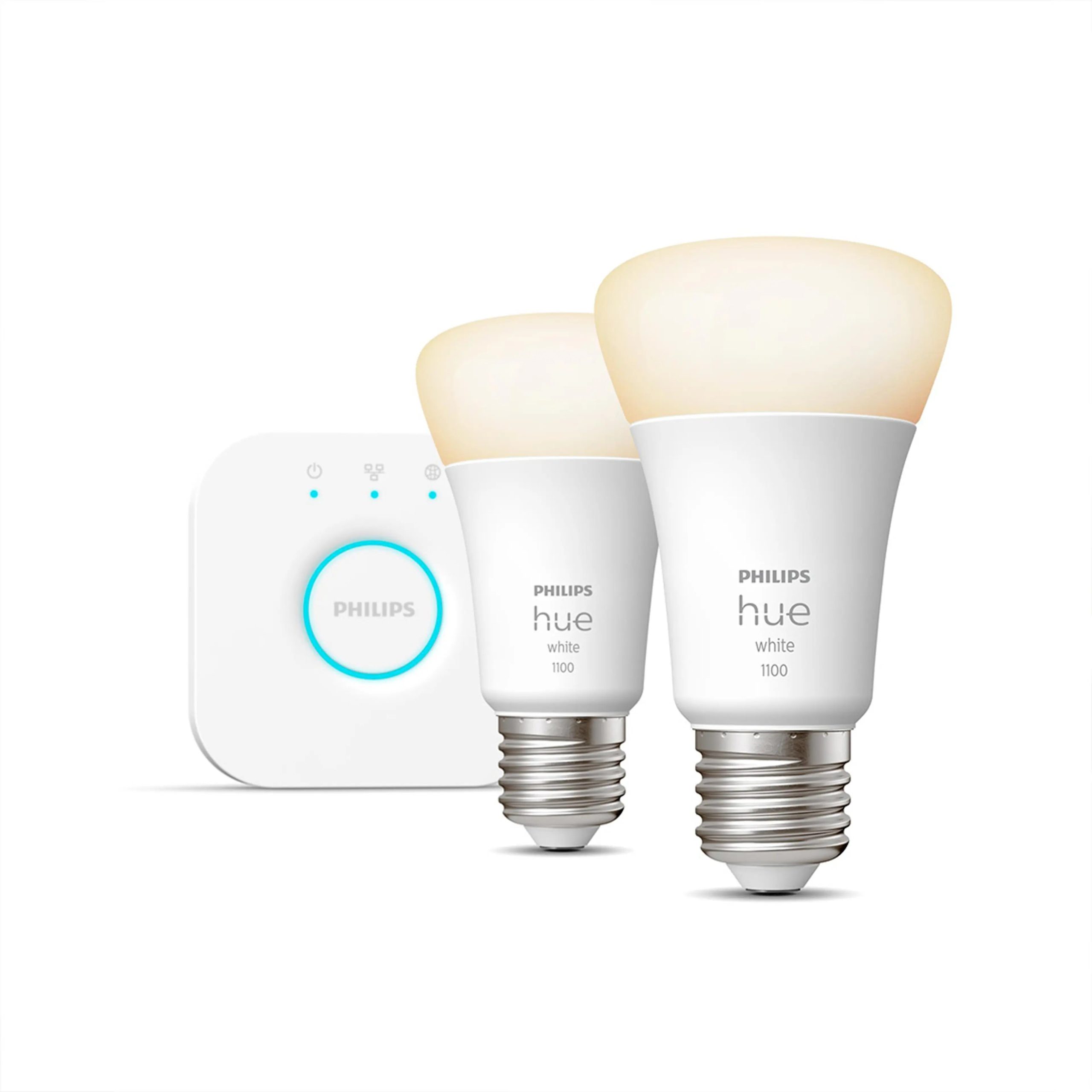
1. Philips Hue White and Color Ambiance Starter Kit (4 Bulbs + Bridge)
 Bulbs + Bridge)”>
This is the classic first step into smart lighting. You get four color-changing bulbs and the Hue Bridge, which connects them to your home network and keeps them responsive even when your Wi-Fi is busy. The app offers scenes for relaxing, reading, and movie nights, and the bulbs work with Alexa, Google Assistant, and Apple Home.
Color bulbs are the fun part, but the Bridge is the real reason this kit holds up over time. It keeps a large bulb collection stable and lets you add switches, sensors, and more bulbs later without starting over.
Pros:
- Four bulbs cover a room or two right away
- Bridge keeps a big setup stable
- Works with all three major voice assistants
Cons:
- Bridge required for the full feature set
- Costs more than Wi-Fi-only bulbs
2. Lutron Caseta Original Dimmer Switch Starter Kit
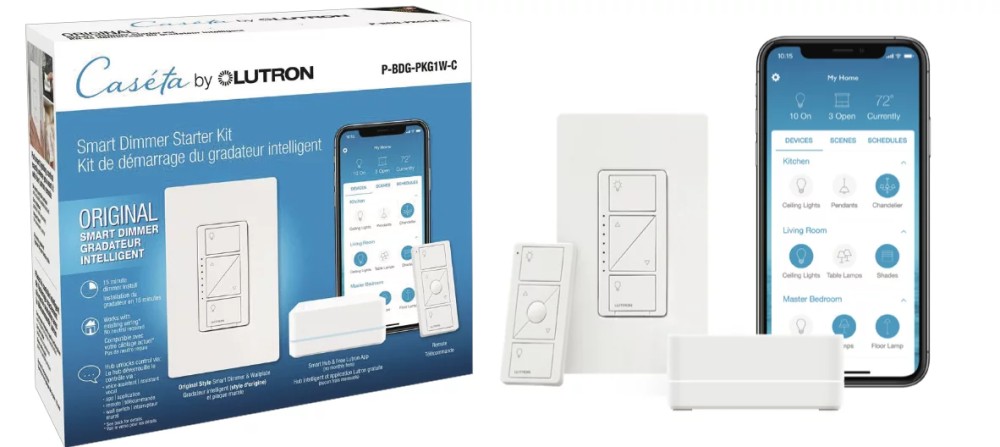
If you want smart lighting without swapping every bulb, start at the switch. This kit includes a Caseta dimmer, a Pico remote, and the Smart Bridge. It replaces one existing switch, works without a neutral wire in most homes, and lets you dim from the wall, the remote, or your phone.
The Pico remote is the quiet win here. Stick it on a wall plate by the bed or sofa and you get a second switch location with no wiring at all. The system also works with Alexa, Google Assistant, and Apple Home.
Pros:
- No neutral wire needed in most homes
- Pico remote adds a switch anywhere
- Rock-solid reliability for daily use
Cons:
- Covers one switch to start
- Lutron app is separate from other smart home apps
3. Ring Alarm 5-Piece Kit
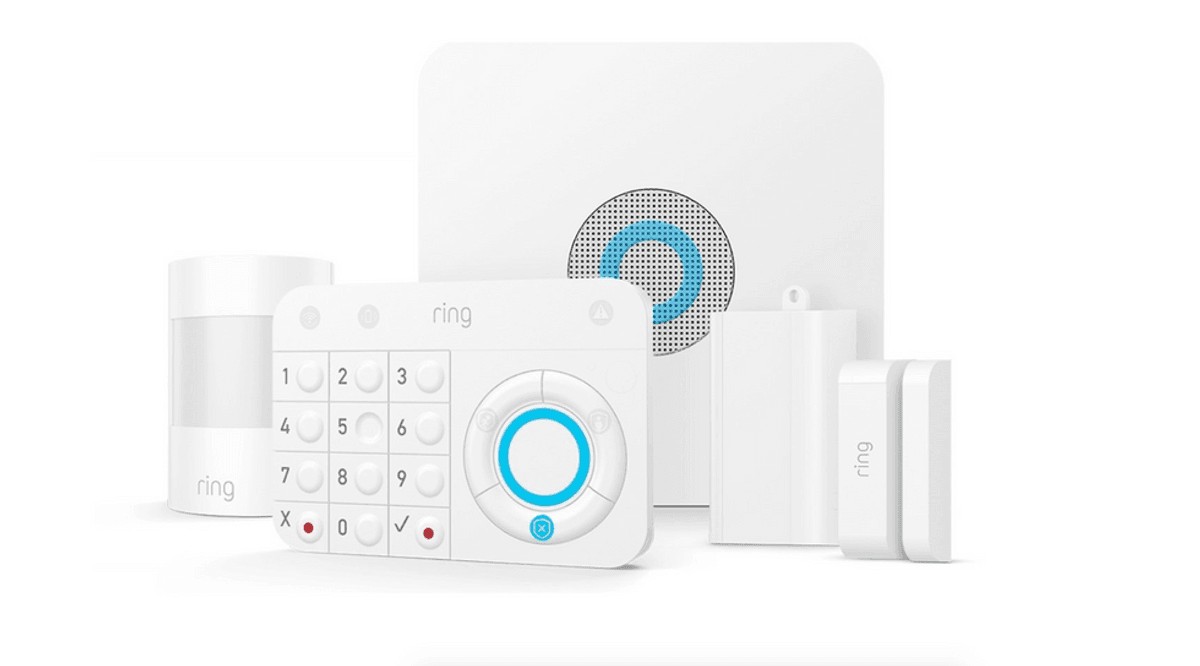
This kit covers the basics of home security in one box: a base station, a keypad, a contact sensor for a door or window, a motion detector, and a range extender. Setup is app-guided, and you arm and disarm from the keypad or your phone.
Ring Alarm suits renters and first-time security buyers because the sensors are wireless and easy to move. Optional monitoring and video storage plans add professional backup and camera history, but the alarm itself works without them.
Pros:
- Complete starter set in one box
- Wireless sensors are easy to install and move
- Optional monitoring if you want it later
Cons:
- Some features need a subscription plan
- Works best if you already use Ring cameras
4. Google Nest Hub (2nd Gen)
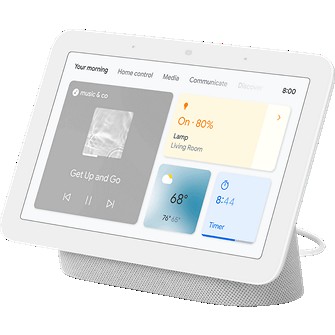
A smart display is the easiest control panel for a growing smart home. The Nest Hub shows the weather, your calendar, and camera feeds, plays music and video, and lets you adjust lights and thermostats by voice or touch. Its sleep sensing feature can also track your rest without a camera in the bedroom.
This is a good pick if your home already leans on Google services. It pulls double duty as a bedside clock, a kitchen TV, and a dashboard for every compatible device in the house.
Pros:
- One screen controls the whole home
- Sleep sensing with no camera
- Strong speaker for its size
Cons:
- Built around Google services
- No camera for video calls
5. Aqara Hub M2
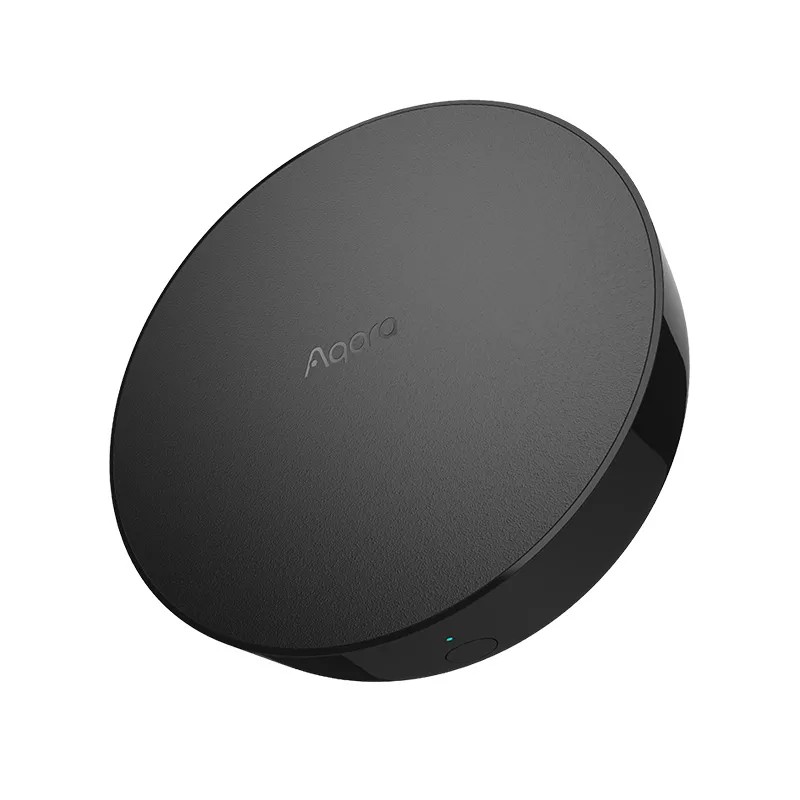
The Hub M2 is for homes that will grow through small, affordable sensors. It connects up to 128 Zigbee devices, including door sensors, temperature sensors, and buttons, and adds an infrared blaster that can control older TVs and air conditioners. An Ethernet port keeps the connection steady.
It works with Alexa, Google Assistant, and Apple Home, including HomeKit alarm modes. If you plan to automate rooms with sensors rather than just voice commands, this hub gives you the most room to expand.
Pros:
- Supports up to 128 Zigbee devices
- IR blaster controls older remotes-based gear
- Ethernet port for a steady connection
Cons:
- Aqara sensors work best with it
- Setup runs through the Aqara app
FAQ
Which smart home starter kit should I buy first?
The one that matches the problem you want to solve first: Hue for lighting, Caseta for switches, Ring for security, Nest Hub for one-screen control, or the Aqara Hub M2 for sensor automation.
Do these kits need rewiring?
The article looked for kits that set up without rewiring. The Caseta kit, for example, replaces one existing switch and works without a neutral wire in most homes.
Will the kits work with my voice assistant?
Check the assistant you already use. The article looked for kits that play nicely with the voice assistant you already use and leave room to add more devices later.
Can I add more devices later?
Yes. Each of these five kits gives you a solid base to build on, and the article’s advice is to pick the first job, then build from there.
Comparison Table
| Product | Best For | Key Detail |
|---|---|---|
| Philips Hue Starter Kit | Smart lighting | 4 bulbs + Bridge |
| Lutron Caseta Kit | Smart switches | Dimmer + Pico remote + Bridge |
| Ring Alarm 5-Piece | Home security | Base station + keypad + 3 sensors |
| Google Nest Hub (2nd Gen) | Smart display control | 7-inch display + sleep sensing |
| Aqara Hub M2 | Sensor-based automation | Zigbee hub + IR blaster |
Conclusion
There is no single right first kit, only the right first job. Start with Hue for lighting, Caseta for switches, Ring for security, Nest Hub for one-screen control, or the Aqara Hub M2 for sensor automation. Any of these five gives you a solid base to build on.
#ad As an Amazon Associate, we earn from qualifying purchases made through links on this page, at no extra cost to you.


